Altium Designer training for companies

Altium Designer and PCB design training

Better PCBs. Better processes.

Hands-on Altium Designer training for teams that design printed circuit boards: 21 hours, 5 modules and one project — from libraries and schematics through layout and DFMA to a controlled release. Remote or on site, from beginner to advanced. I also support teams with design consulting and PCB process improvement.

Remote or on siteTailored to your teamAltium Designer
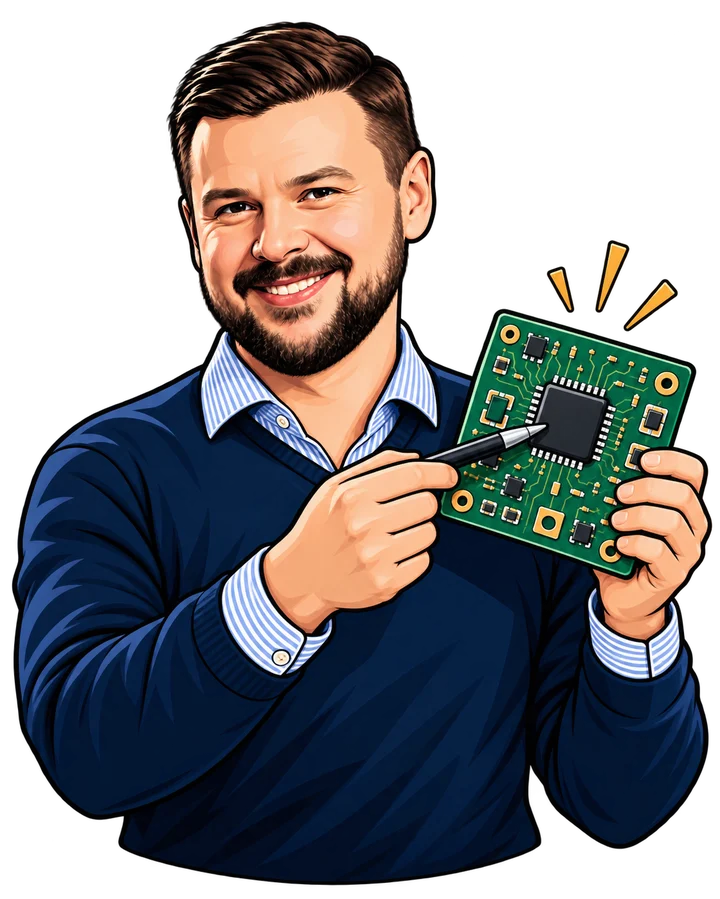
Illustration: a PCB trainer explaining a circuit board
productionone project: from an empty library to a production release
From componentto design release
3pillars of support: training, consulting, processes and standards
5stages in the complete programme — from component to release
2015the year I started designing PCBs in Altium Designer
1 projectfollowed through the whole course — up to a change and re-release
Services

Support at three levels

Scope, level and format are agreed after a short conversation about your team’s needs.

01

Altium Designer training

A programme tailored to your team’s experience, tools and real projects. From libraries and schematics to layout, verification and manufacturing outputs.

OutcomeA team with a clearer workflow and practical exercises.
Training
02

PCB design consulting

Support for specific decisions and problems: stackup, impedance, BGA, DDR, constraints, routing, DRC, DFMA and manufacturing documentation.

OutcomeClear recommendations, explained risks and next steps.
Consulting
03

PCB processes and standards

A review of libraries, checklists, design rules, templates, quality checks and release. Practical standards that teams can apply every day.

OutcomeA repeatable process and fewer ambiguities between design and manufacturing.
Processes and standards
Who it’s for

For companies that design electronics

I work with electronics and PCB designers, team leads and the people responsible for libraries, design quality and handing documentation over to manufacturing.

When it’s worth talking

Rolling out Altium Designer in a team
Aligning the way the team works
Upskilling the team
Difficult decisions in a specific design
Errors between design and manufacturing
Training

Altium Designer training grounded in real design work

We start with your team’s level and the goal of the training. In the complete programme, one project goes through five stages. Topics can include:

Format: remote or on site. Level, agenda and exercises are agreed after a short discussion.
Discuss a training programme
01Altium Designer: projects, libraries and data management
02Schematics, hierarchy, parameters and validation
03PCB rules, stackup, placement and routing
04BGA, DDR buses, differential pairs and impedance control
05DRC, BOM, Gerber/ODB++, Pick&Place, STEP and Draftsman
06Design review and release to manufacturing
Consulting

PCB design consulting when a design decision matters

We focus on a specific problem or review a design in stages. The output can be a working session, a prioritised list of findings or an agreed action plan.

Example topics
StackupImpedanceBGA and dense routingDDRDifferential pairsFootprintsDRCDFMABOM and production filesECO and release
Describe your challenge Example: PCB card for a DDR4 SODIMM socket
Processes and standards

PCB standards from library to release — rules that work

Consistent footprints and mechanical layers, DRC rules, templates, checklists and quality gates. Automation where results can be checked and repeated.

LibrarySchematicPCBReviewRelease
Discuss your process
How I work

How we work together

  1. 01

    Understand goals and constraints

    A short conversation about your team, tools and the problem you want to solve.

  2. 02

    Agree on scope and format

    We agree on level, agenda, source materials and format: remote or on site.

  3. 03

    Training, workshop or consultation

    We work on an exercise project or — once agreed — on your own material.

  4. 04

    Summarise decisions and next steps

    We close with findings, recommendations and a plan for what comes next.

Testimonials

What participants and organisers say

Excerpts from LinkedIn recommendations.

The PCB Trainer delivered an excellent online training on PCB Circuit Design with Altium for an important partner team of ours. He was extremely flexible, attentive, and professional, adapting seamlessly to the team’s specific needs and circumstances.
Oliver P.Managing director, training provider2026
He demonstrated a deep understanding of Altium and conveyed complex concepts. Throughout the course, he was patient, supportive, and always willing to go the extra mile to ensure everyone understood the material.
Jithin R.Embedded systems engineer2024
He is professional and was flexible with me in choosing the timing, in addition to the educational program that perfectly suits what I need.
Mohammad J.Electronics R&D2024

Source: LinkedIn recommendations (2024–2026). Excerpts.

All testimonials
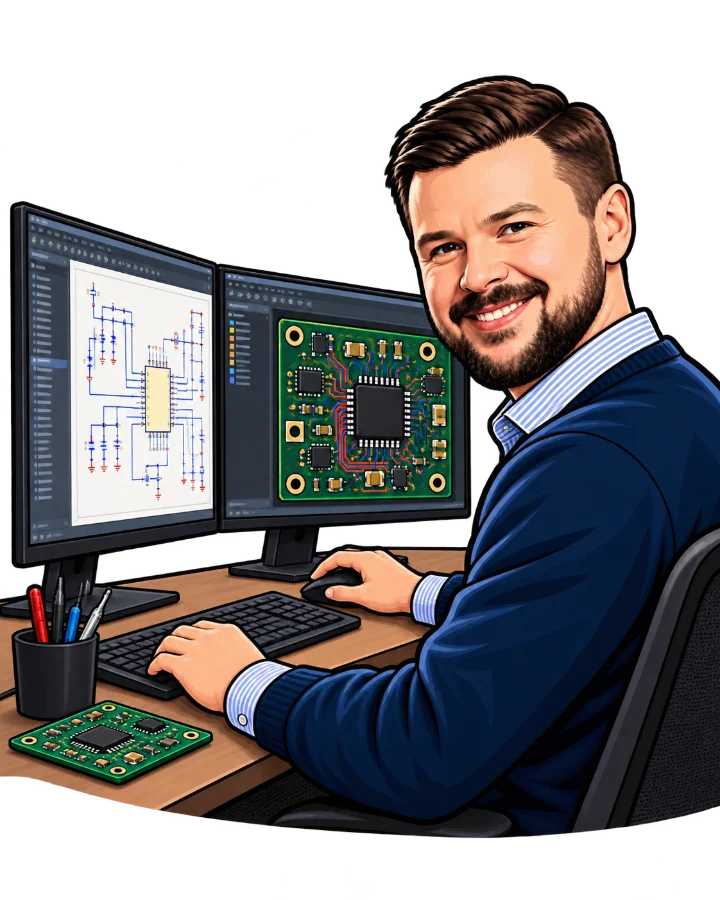
Brand illustration: a PCB designer at a desk with two monitors — schematic and layout
2015started designing
in Altium Designer
About

Hands-on Altium Designer experience since 2015

I have designed PCBs in Altium Designer since 2015. I combine project work with training and helping teams build consistent standards.

Practiceongoing work on PCB design projects
Exerciseslive demos, exercises and a review of results
Standardsconsistent working rules for the whole team
Explore how we work
FAQ

FAQ: Altium Designer training and PCB consulting

Don’t see your question? Write to me — I’ll answer it along with a proposed scope.

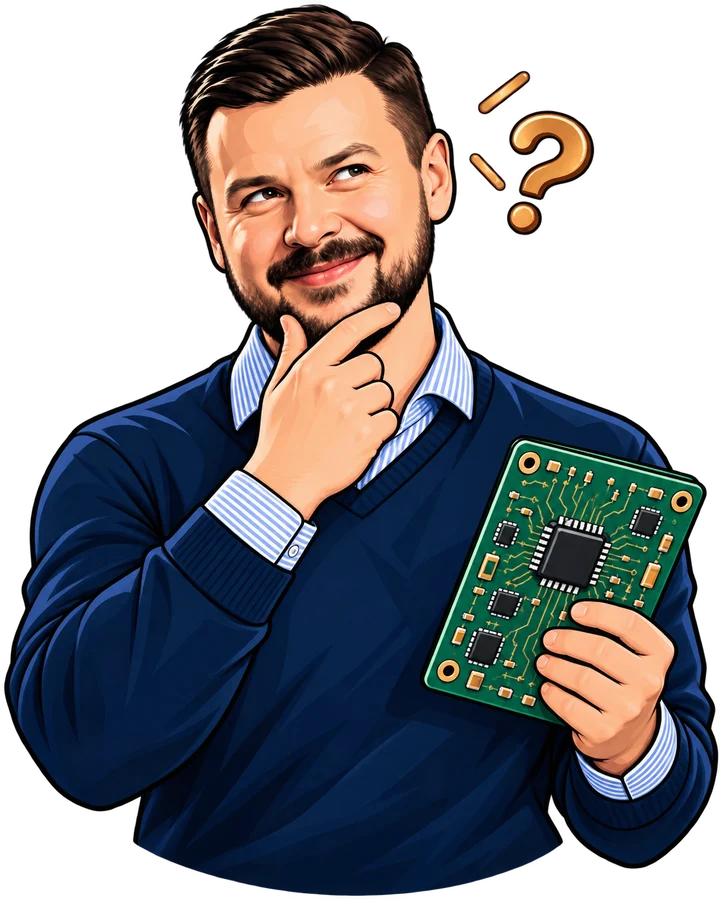
Illustration: a PCB designer thinking
Can training be tailored to our team?

Yes. We define the starting point, participants’ experience and the areas that will provide the most value.

Can you review an existing design?

Yes. We agree on the scope, input materials and format of the findings before starting.

Does the training have to use Altium Designer?

It is my main design environment. PCB principles and process topics can also be discussed independently of a specific tool.

Can we start with a short audit?

Yes. A review of a selected design, library or process stage can be the first step.

How long is the Altium Designer training?

The core course is 21 hours, split into 5 modules around one continuous project. Sessions — full days or shorter blocks — are scheduled to suit your team. A tailored programme can be shorter or longer.

Is the training for beginners or advanced users?

Both. The core course takes participants from beginner to intermediate level. For advanced teams and those moving from KiCad, EAGLE or OrCAD, I build a programme from selected modules such as high-speed, DFMA or release process.

Is the training remote or on site?

Both. Remote training works anywhere in the world. On-site training is available across Europe by arrangement. Training is delivered in English or Polish.

How much does Altium Designer training cost?

Pricing is quoted individually, based on the number of participants, scope, format and duration. I prepare a proposal after a short conversation about your team’s needs.

Do participants receive a certificate?

A certificate of completion can be agreed in the proposal. It is not an official certification from the Altium software vendor.

Tell me what you want to improve.

Describe your team, the challenge and the outcome you want. I’ll suggest a scope for an initial discussion.